Feature
A wallboard the whole house can read
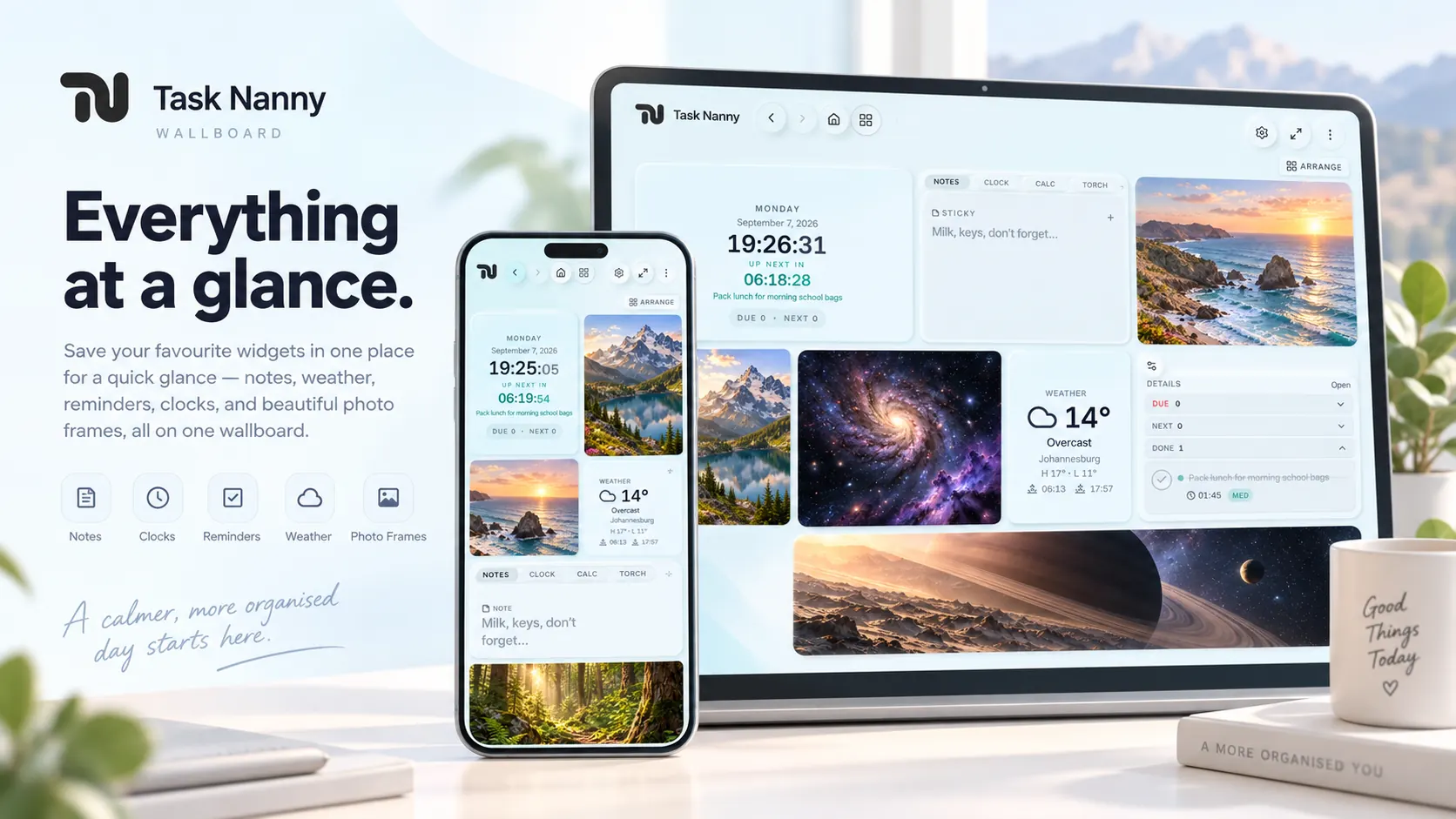
Put a tablet in the kitchen or the shop. Clock, weather, photos, whose turn, tools, and today’s list — tiles you arrange yourself. Walk past it and you already know.
Built by Techpunk
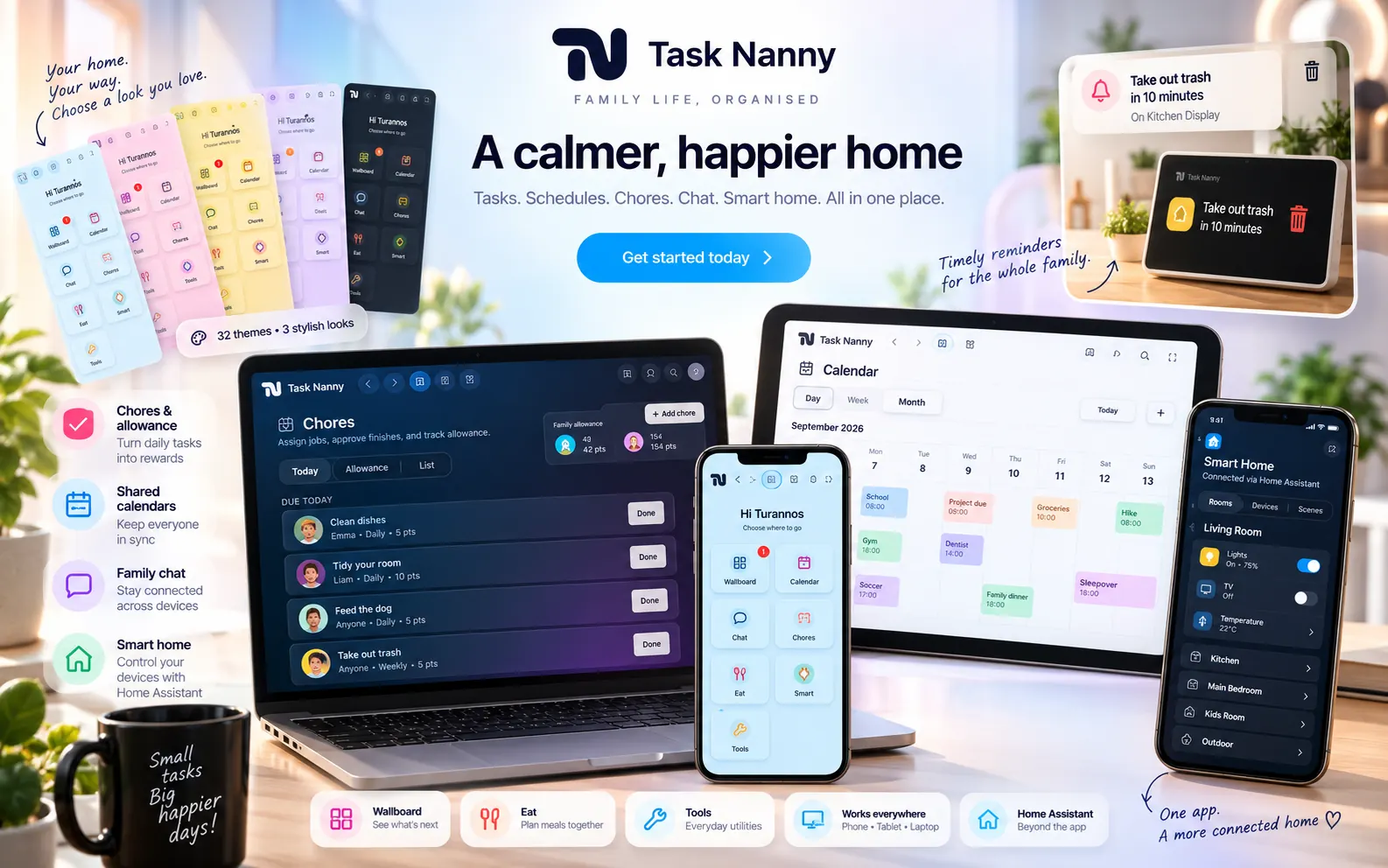
A shared calendar and wallboard for homes and teams. Widgets, alarms, chat, recipes, chores, and your Home Assistant dashboard beside the plan. You can open it today. It is still in beta — and free to try on Home.
I built it from the ground up — now you can try the software yourself.
Feature
Put a tablet in the kitchen or the shop. Clock, weather, photos, whose turn, tools, and today’s list — tiles you arrange yourself. Walk past it and you already know.
Feature
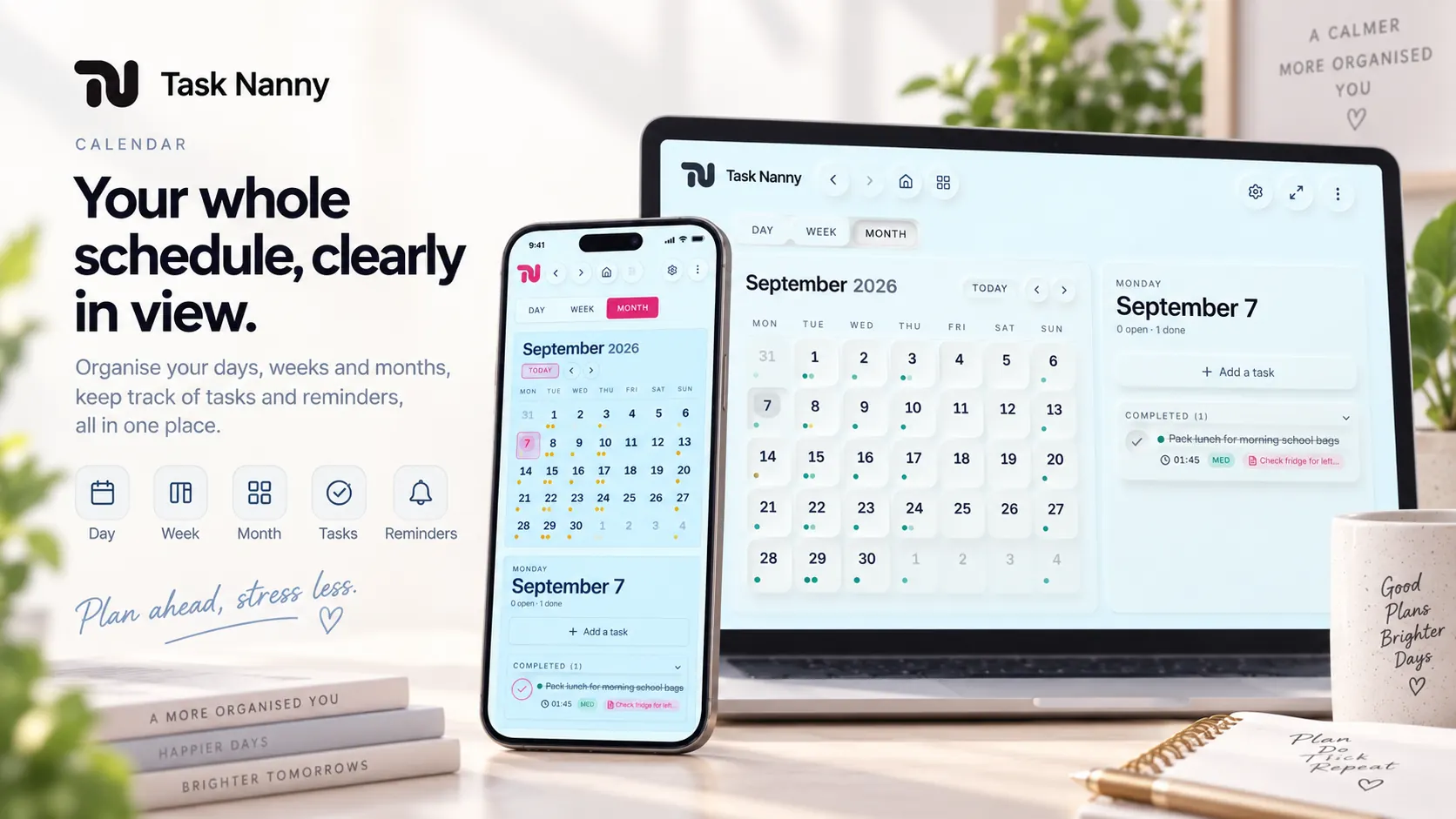
Day, week, and month — everyone sees the same plan. Write a task once; set repeats, colour, notes, and who it’s for. Leave the time blank for a quiet to-do, or add a time when you want it to ring.
Feature
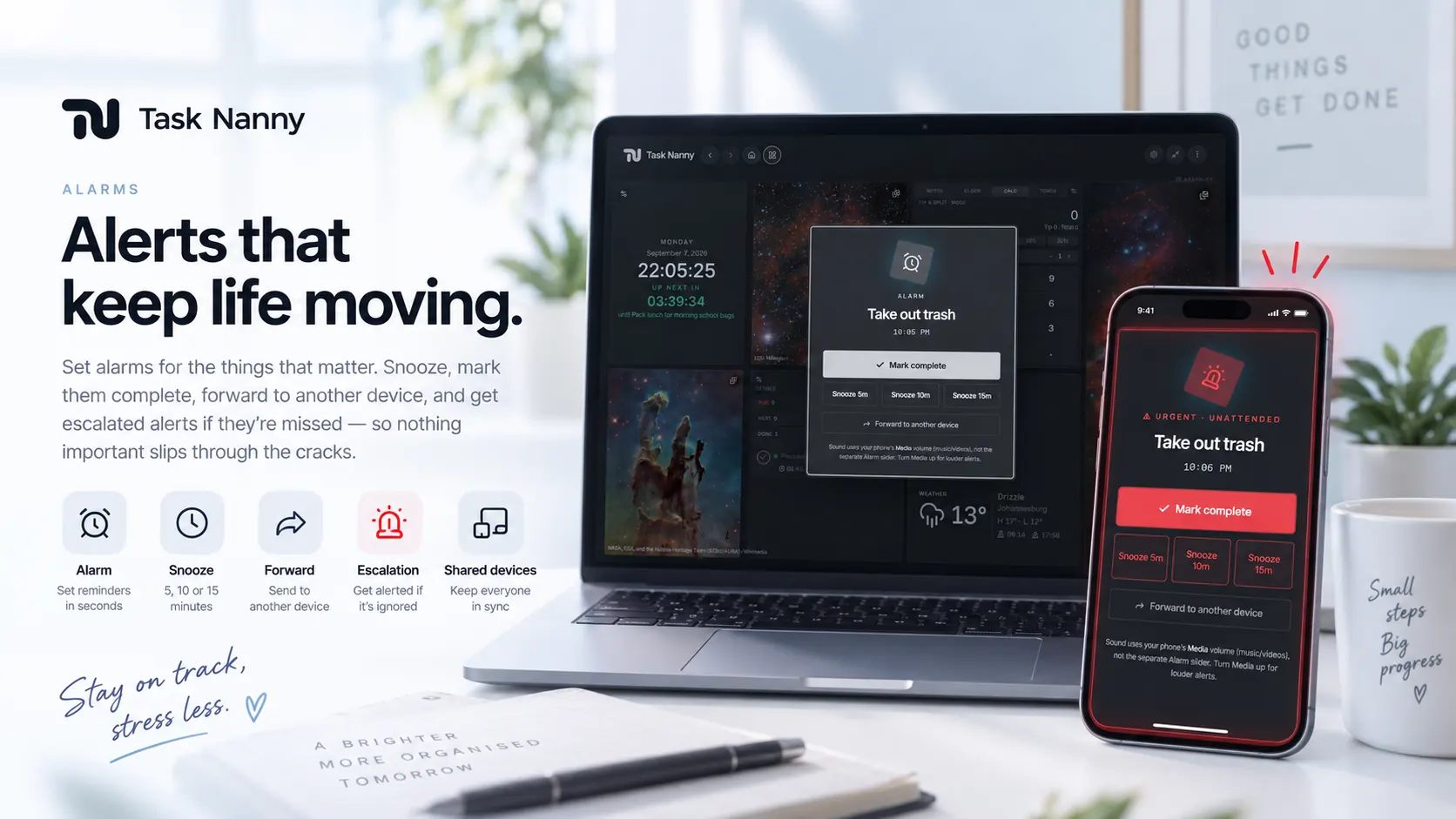
Pre-alarms for the heads-up. Done or snooze when it rings. A louder escalation if nobody answers. Quiet hours stay on this device, so the bedroom can sleep while the kitchen stays loud.
Feature
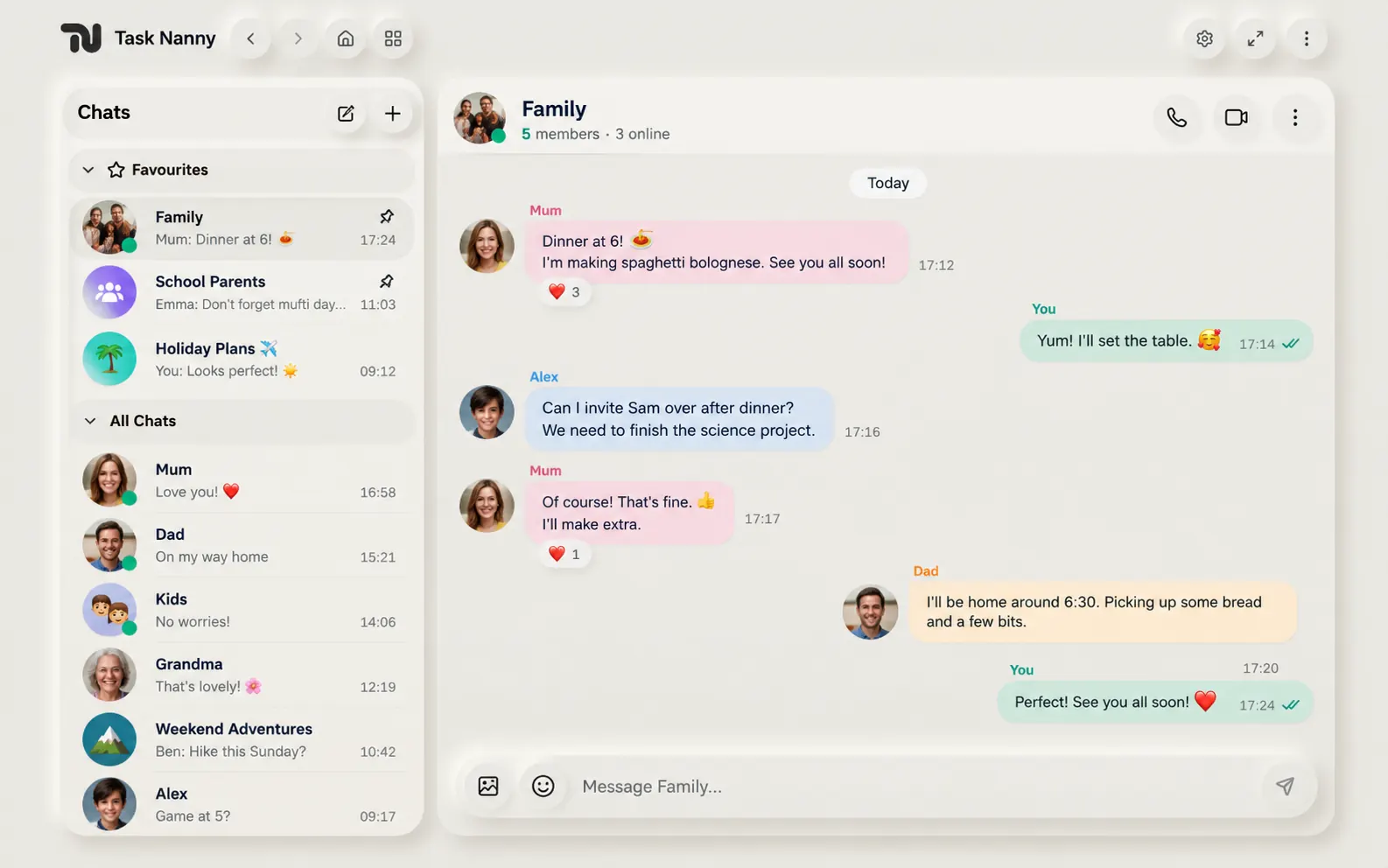
Workspace chat, private chats, and named groups. Photos, favourites, who’s online — and a Meet, WhatsApp, or FaceTime link when you need a real call.
Feature
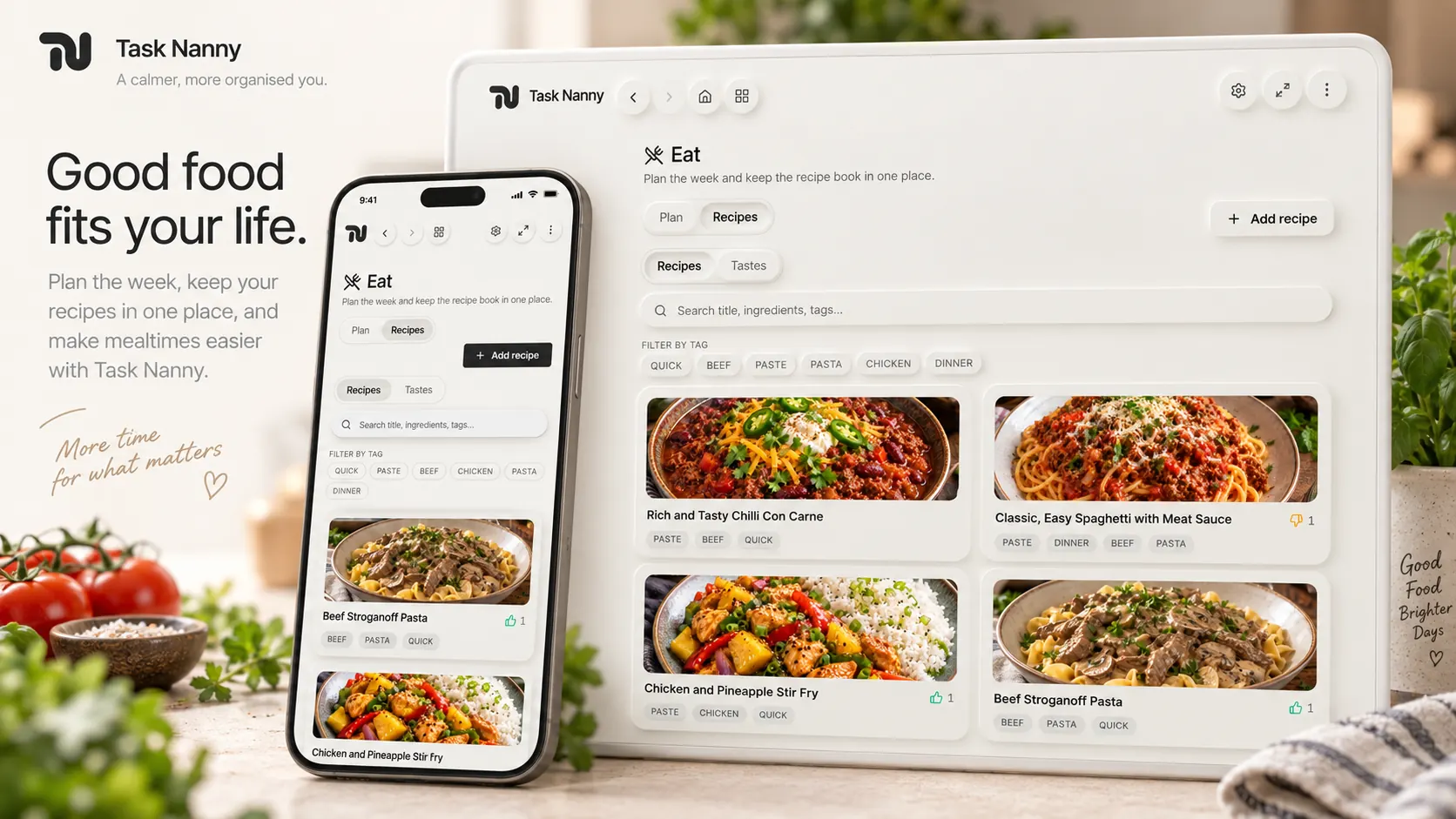
Paste a recipe or import from a webpage into a book everyone can search. Ratings and tastes help the next cook know what worked.
Feature
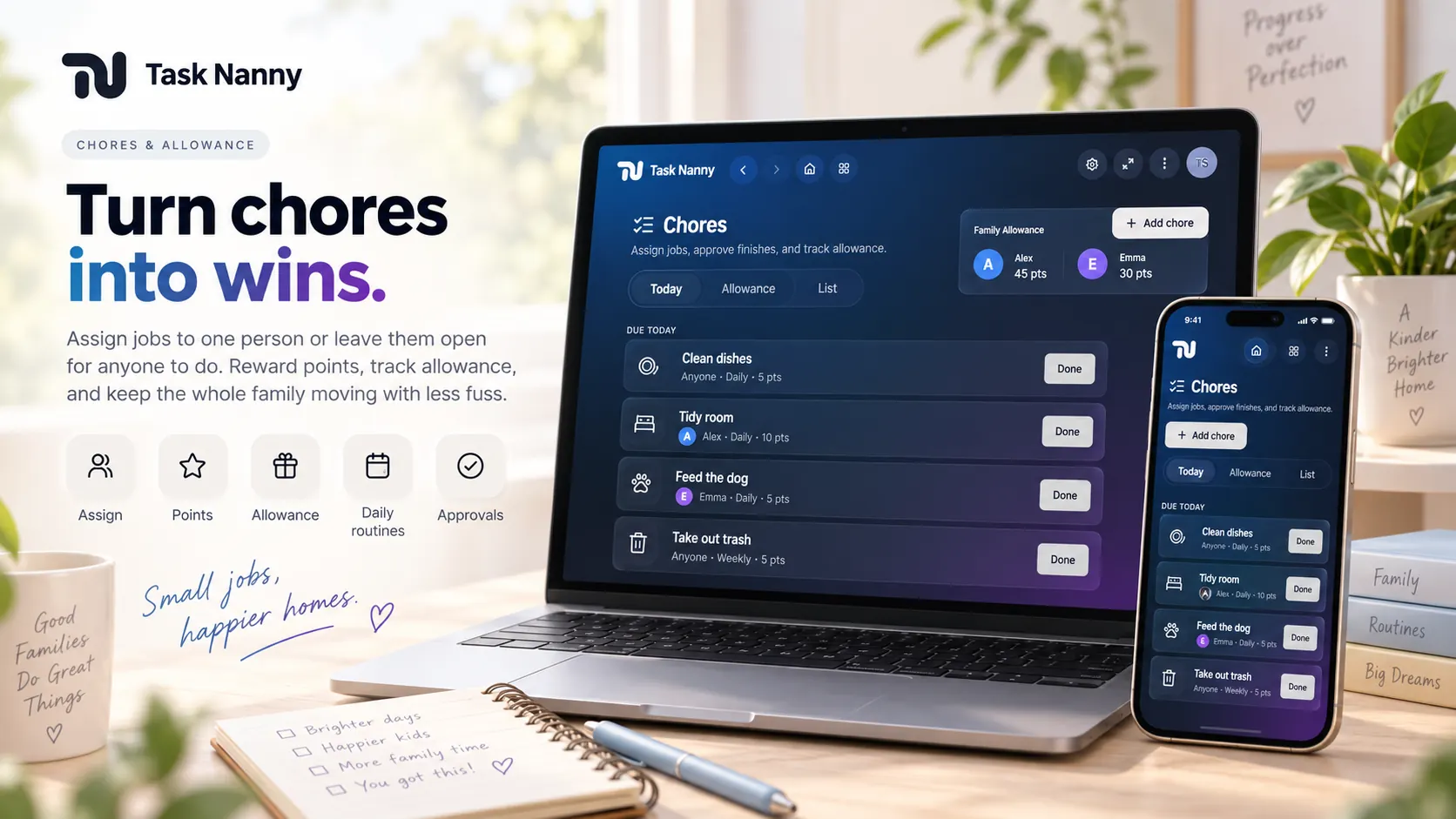
Daily, weekly, once, or as needed. Assign a chore to a person or a device, rotate whose turn it is, and tick it off for points. Ask for approval before the points land, and keep an allowance ledger.
Feature
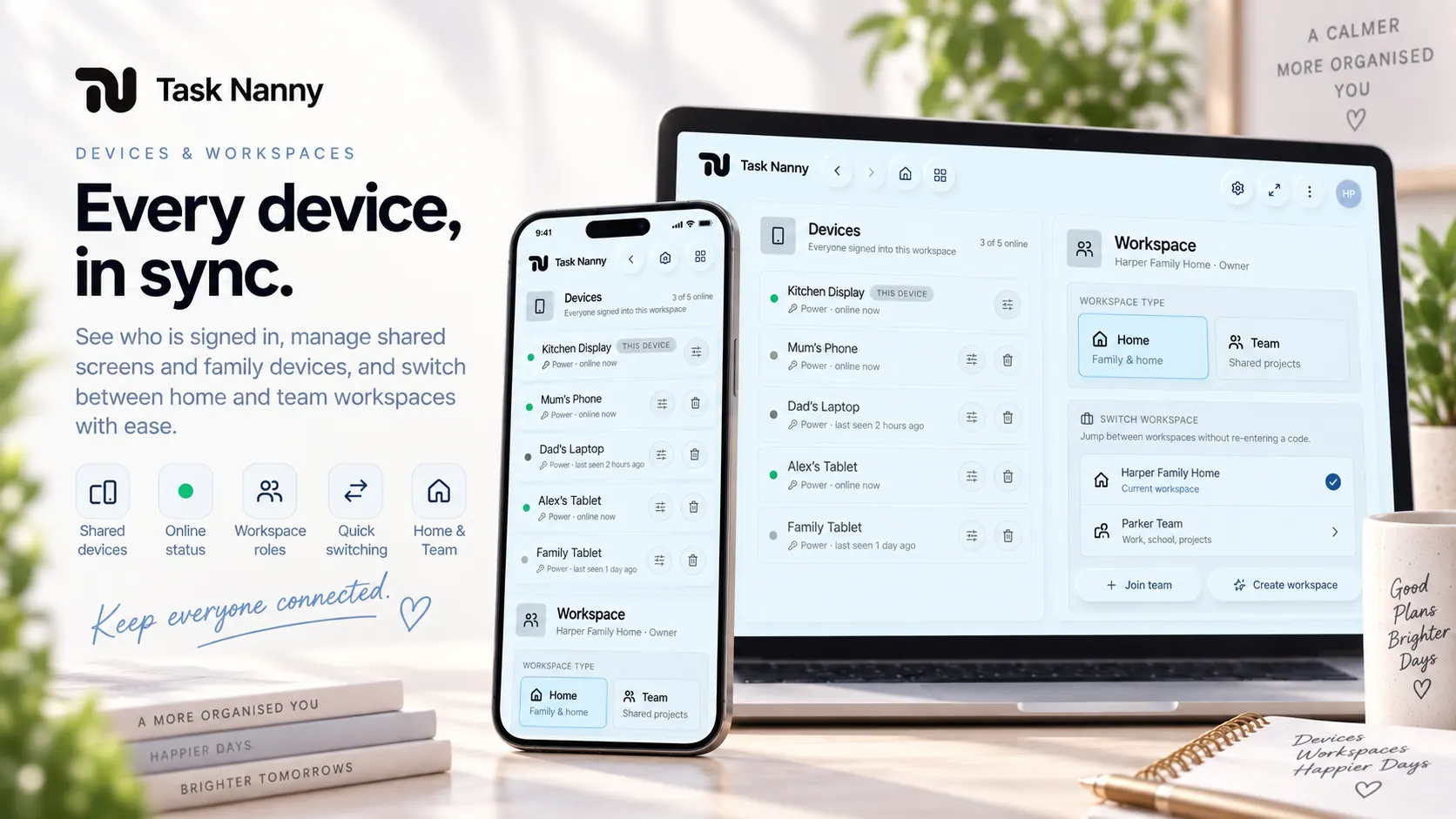
Phones and tablets stay in sync. Invite with a join code. Lock a tablet to look-only. Choose which tabs and editing rights each device gets.
Feature
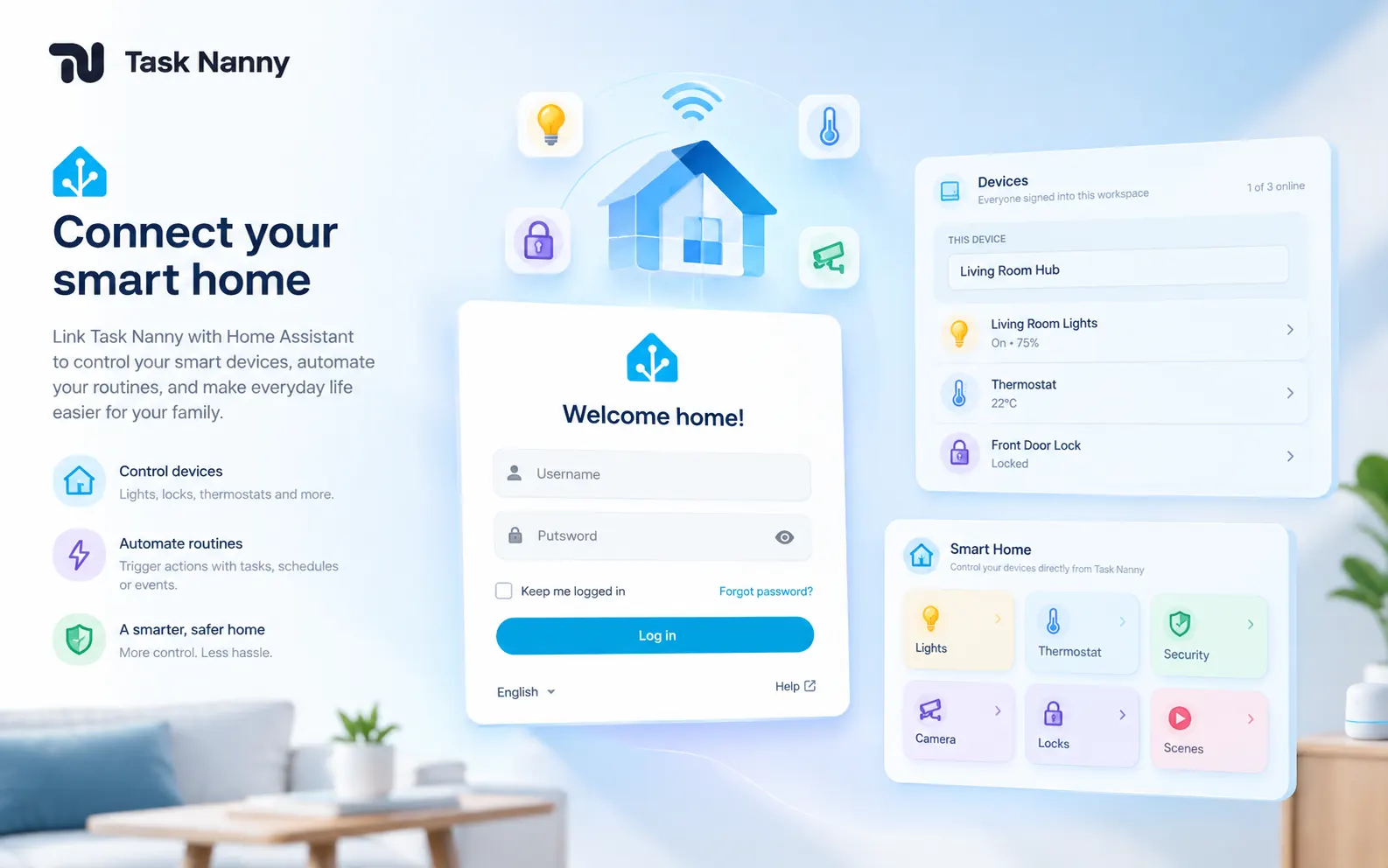
Save your Home Assistant URL once in Settings. The Smart tab embeds your dashboard next to the calendar — lights, locks, thermostats — or open it in a new tab when embedding is blocked.
Feature
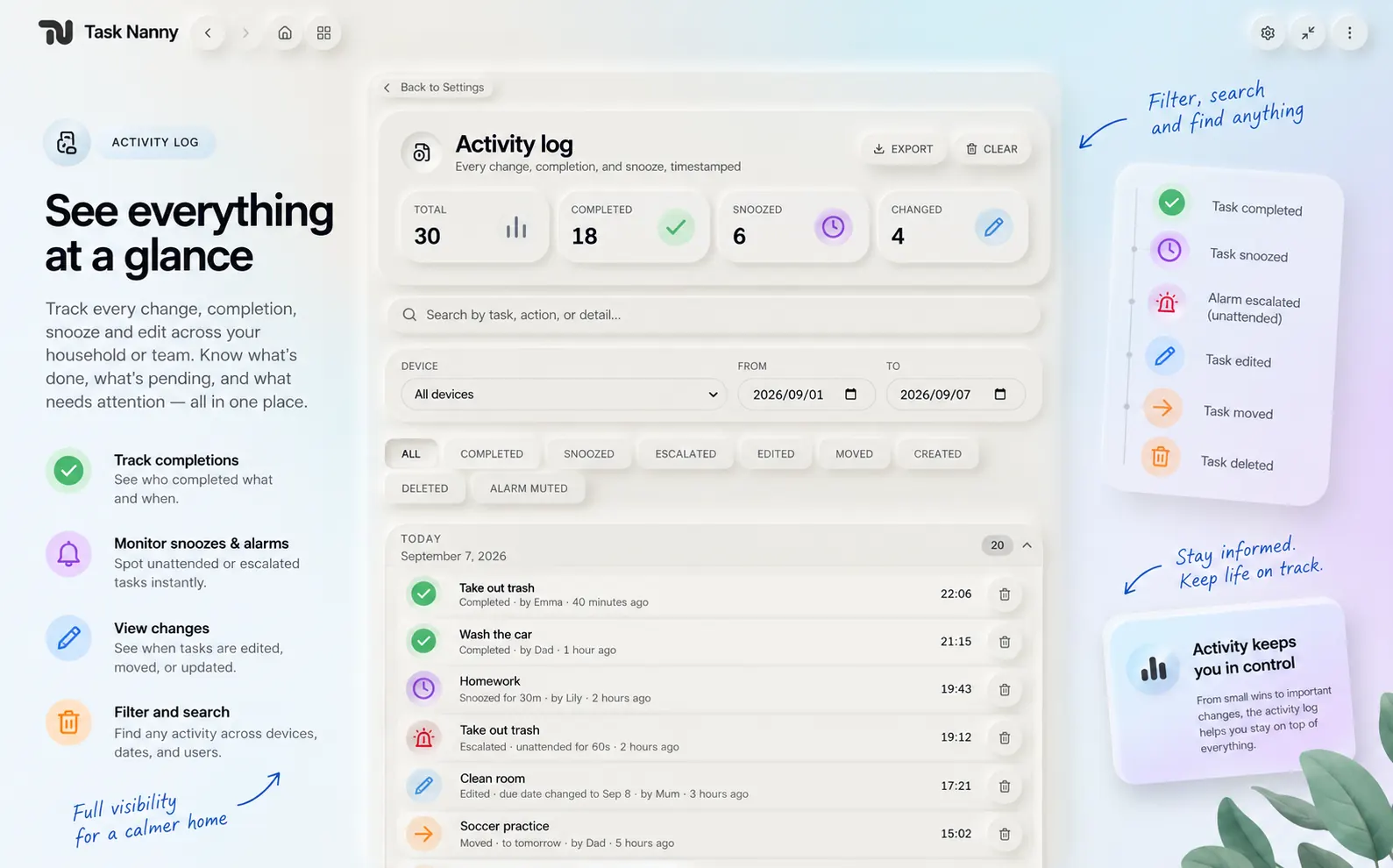
See who completed, snoozed, missed, or forwarded a task. Home keeps ninety days. Team keeps a year.
Feature
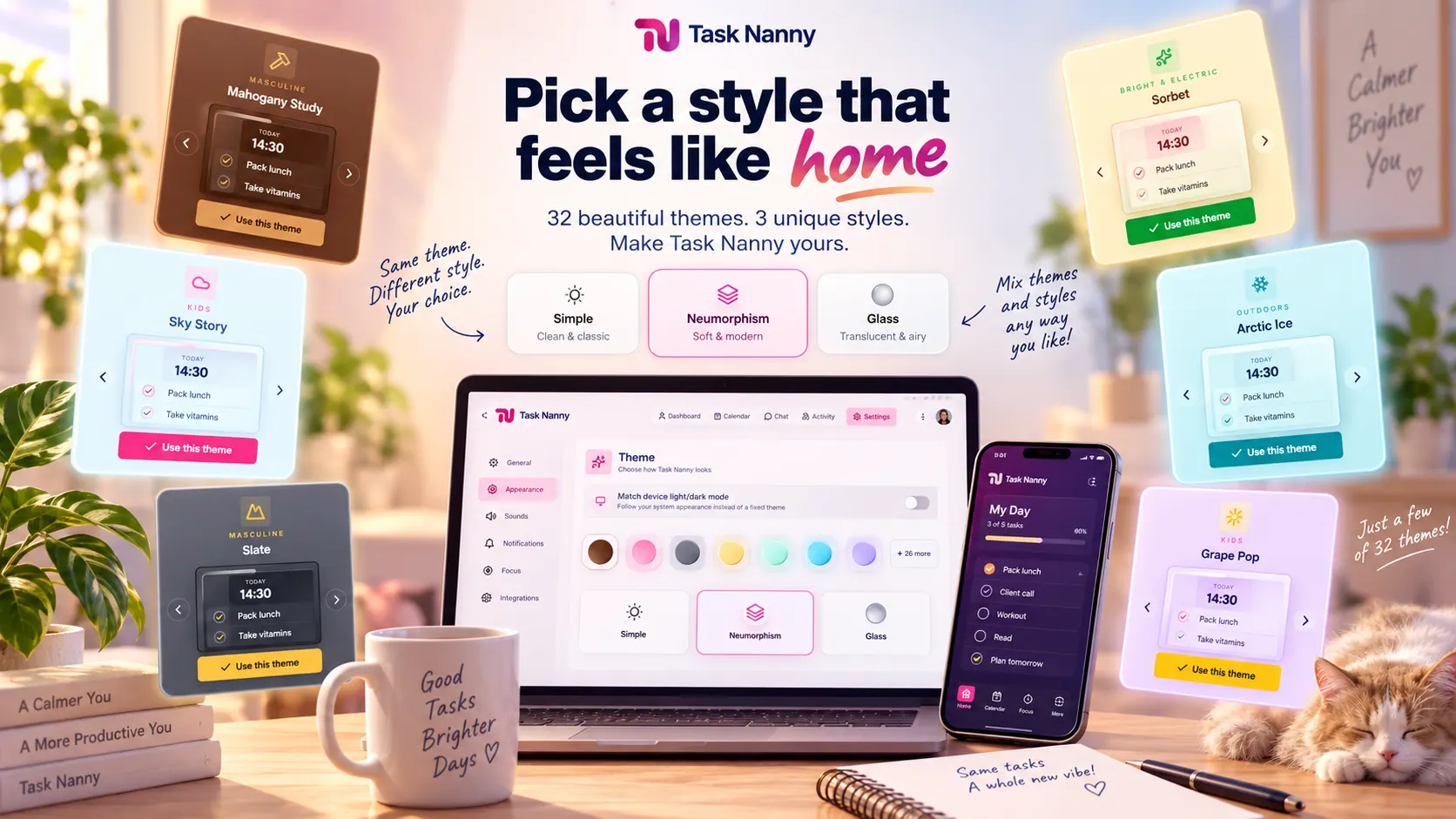
Signal for paper and colour. Soft for gentle depth. Glass for frosted light. Pick Light, Dark, or Auto — then open the palette gallery for kids, driving, floral, outdoors, and bold nights.
Feature
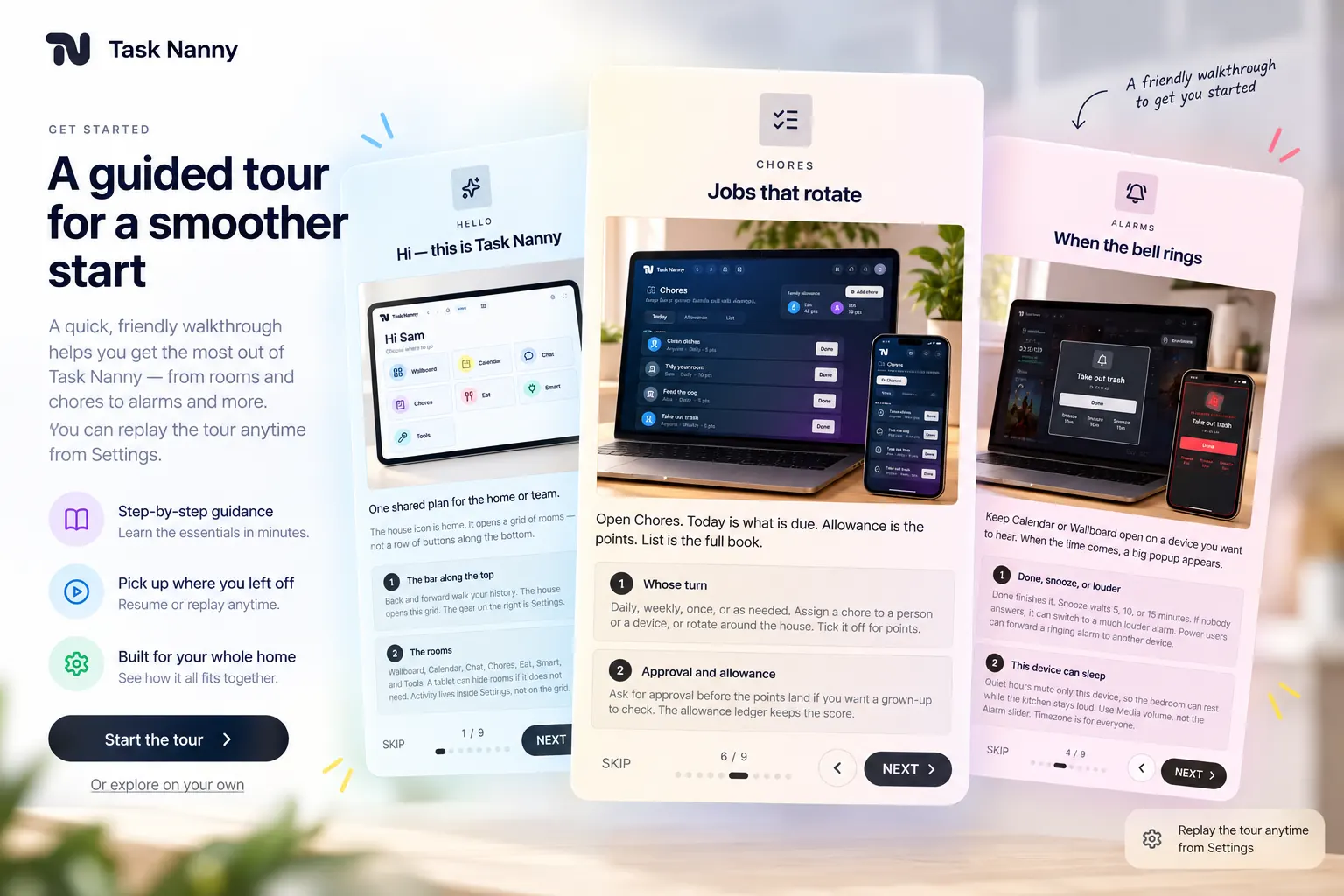
A short picture-book tour on first open walks you through Home, Wallboard, Calendar, alarms, chat, chores, Eat, Smart, and Settings. Skip anytime — Help at the bottom of Settings replays it.